Private Demo.
Inside the platform.
PATIENT, CLINICIAN AND CLINIC WORKSPACES
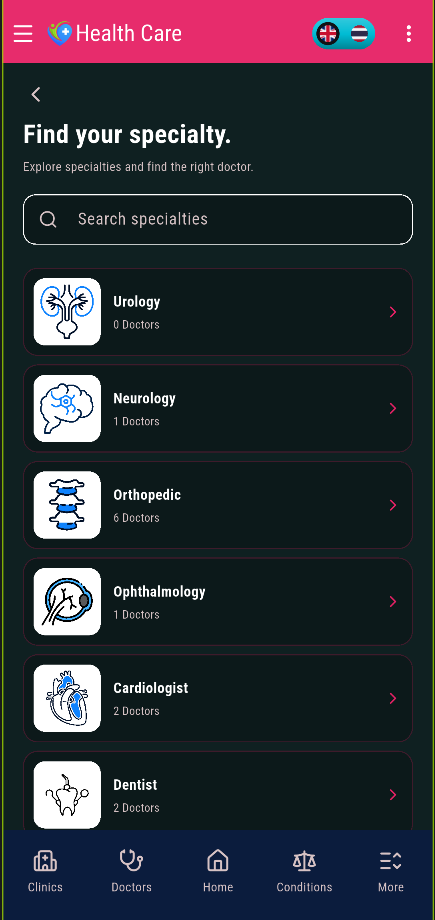
Find a doctor
Search by specialty, open doctor profiles, and check availability before booking.
Book an appointment
Choose an available time and track the booking in the patient account.
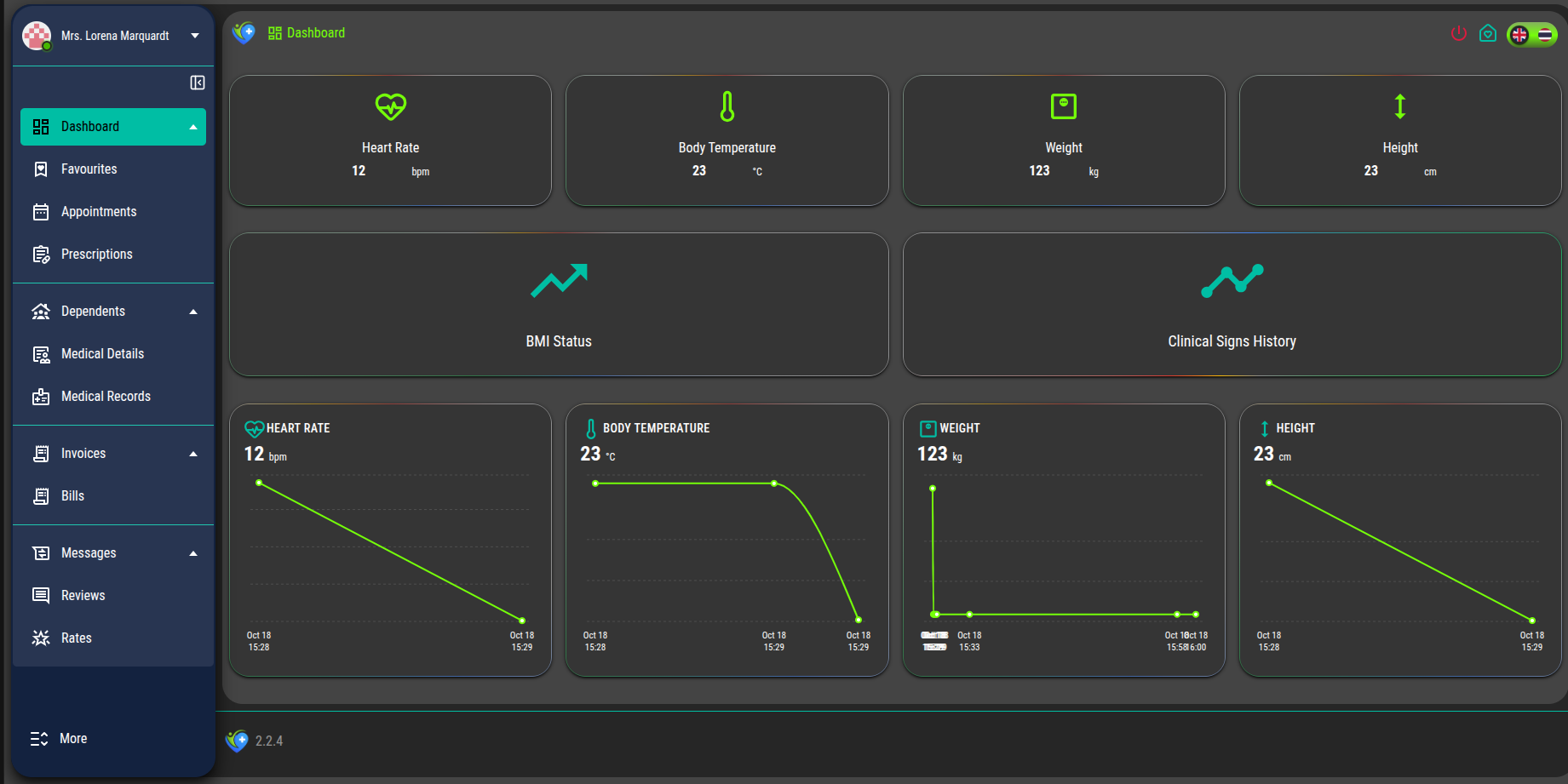
Patient account
View appointments, family profiles, messages, records, prescriptions, and bills.
Clinician workspace
Manage availability, appointments, patients, messages, prescriptions, and billing.
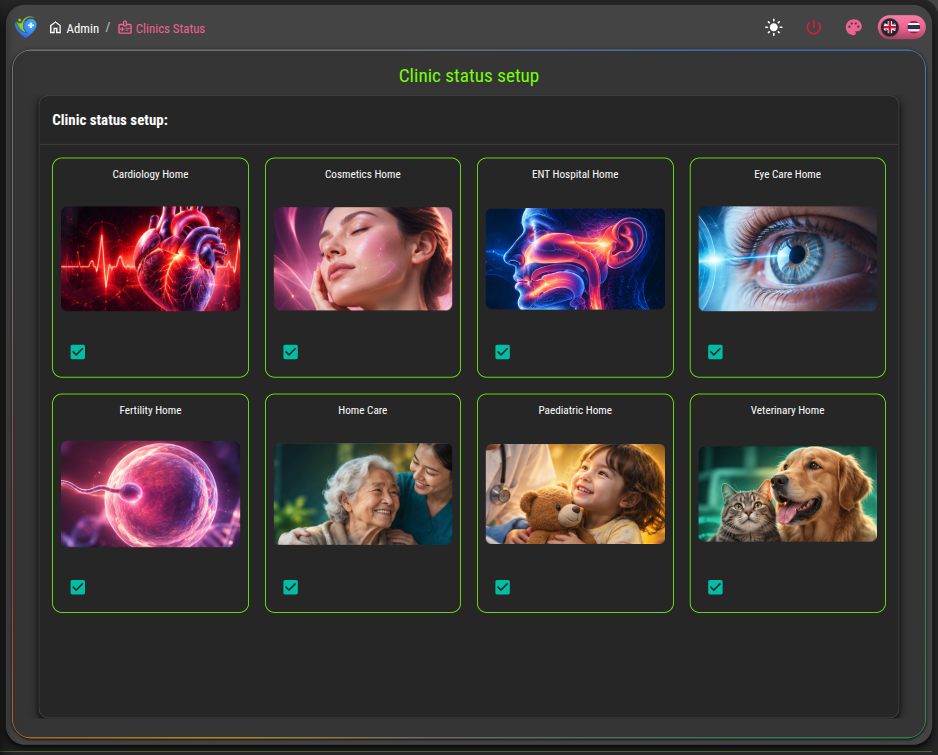
Clinic oversight
Review doctors, patients, appointments, specialties, invoices, and activity in a separate staff panel.
Staff controls
Manage administrator roles, clinic settings, articles, and patient feedback.
Platform walkthrough.
REAL SCREENS FROM THE HEALTH-CARE PLATFORM
Choose what to explore.
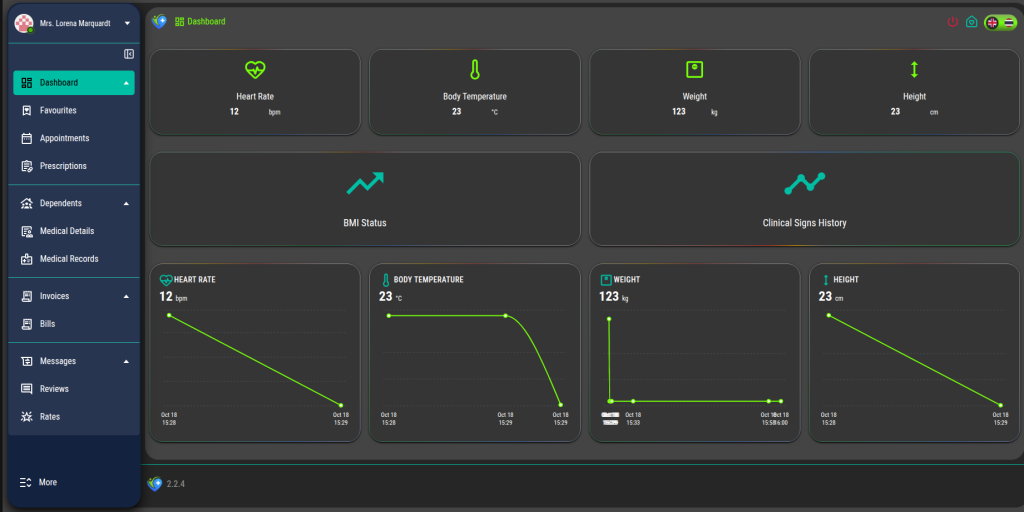
Review appointments, family profiles, health information, prescriptions, messages, and bills from the patient account.
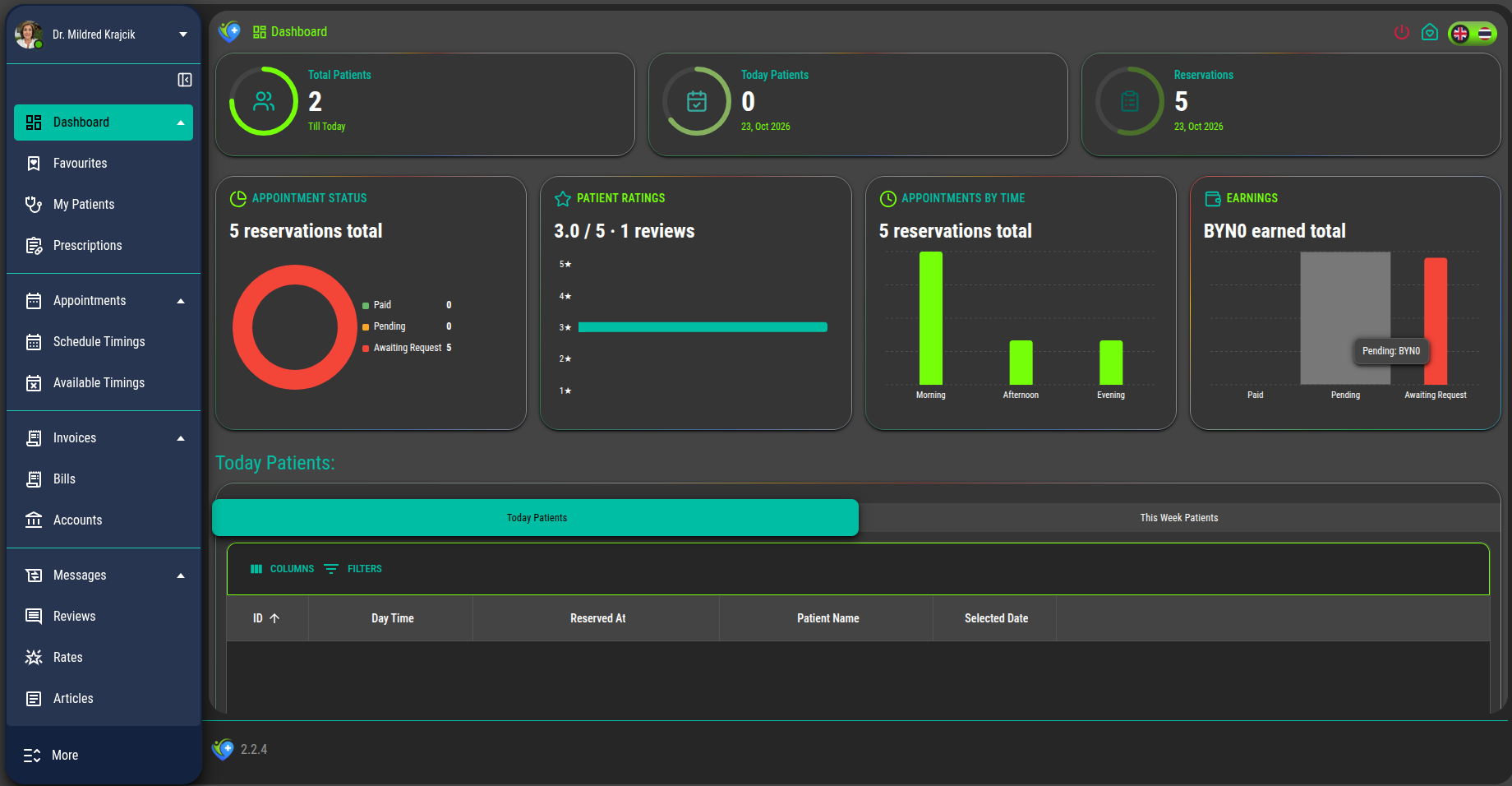
See the clinician’s schedule, appointments, established patients, communication, prescriptions, and billing tools.
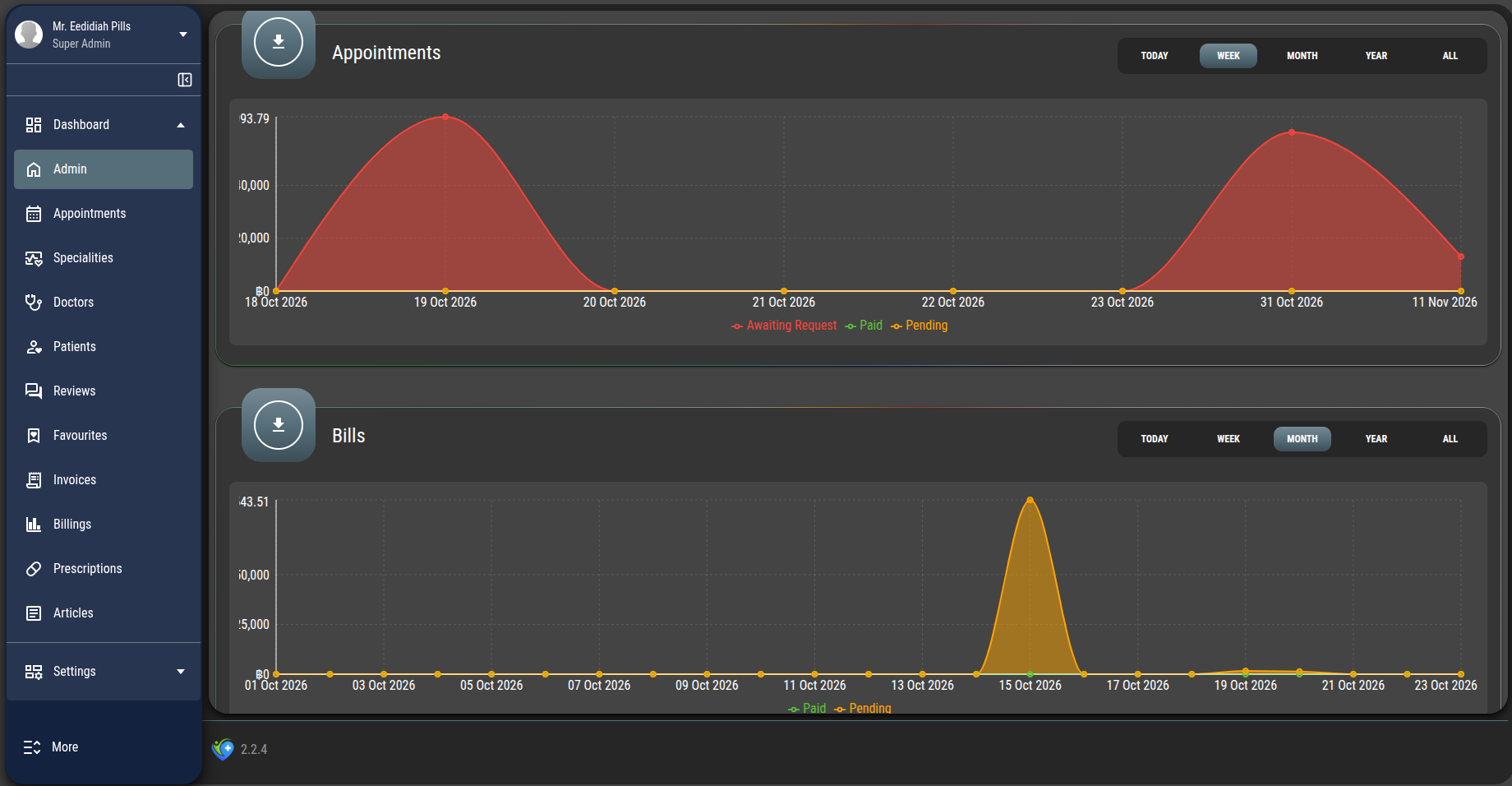
Explore the separate admin workspace for people, appointments, specialties, finances, content, and settings.
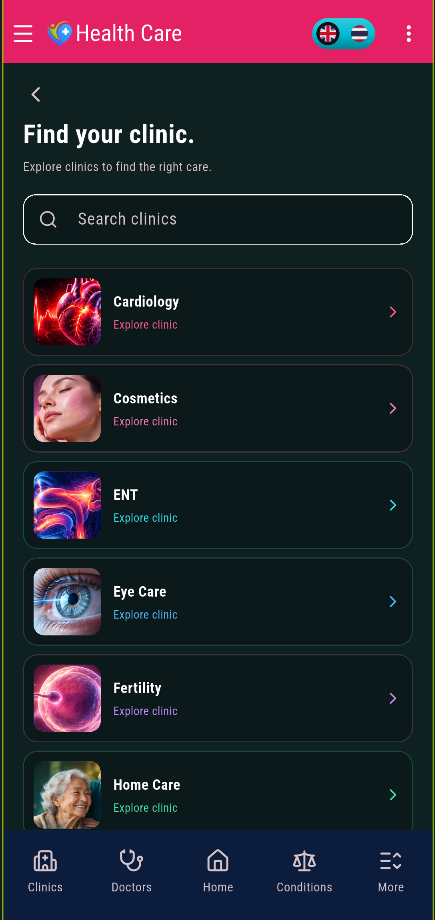
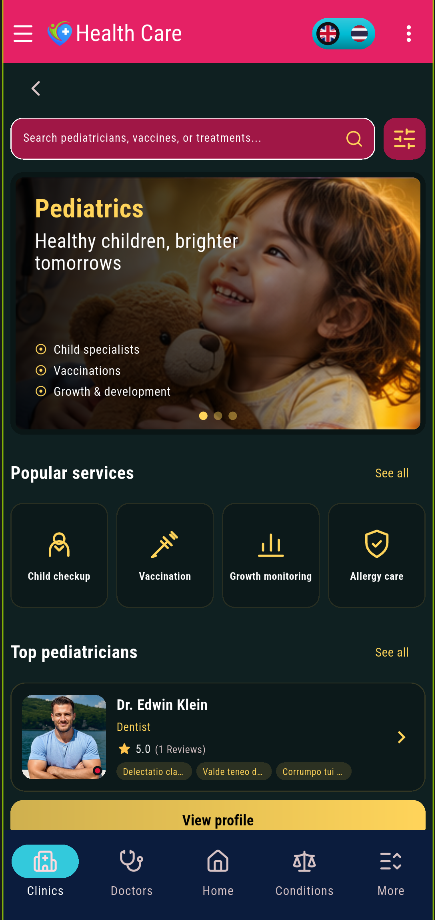
Browse clinics and specialties from the Android app before choosing a doctor.
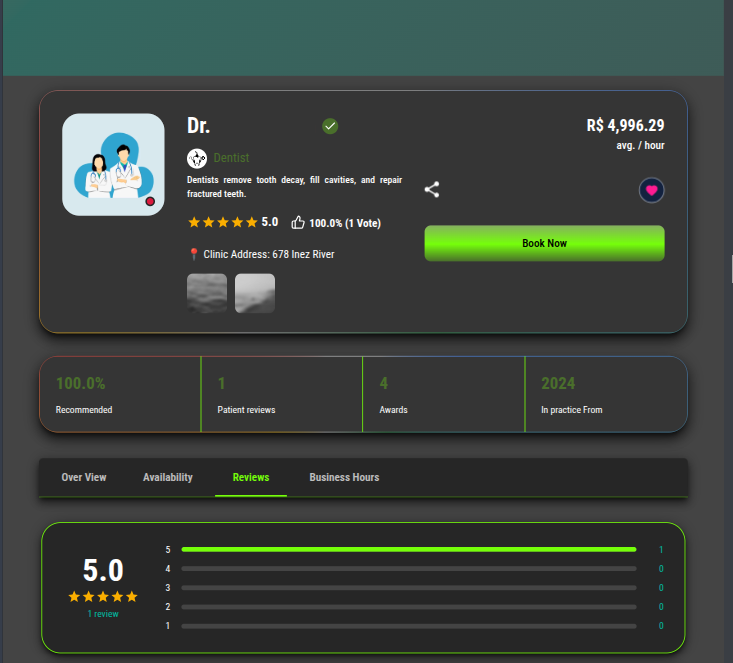
Filter doctors, open a profile, and review availability before choosing an appointment.
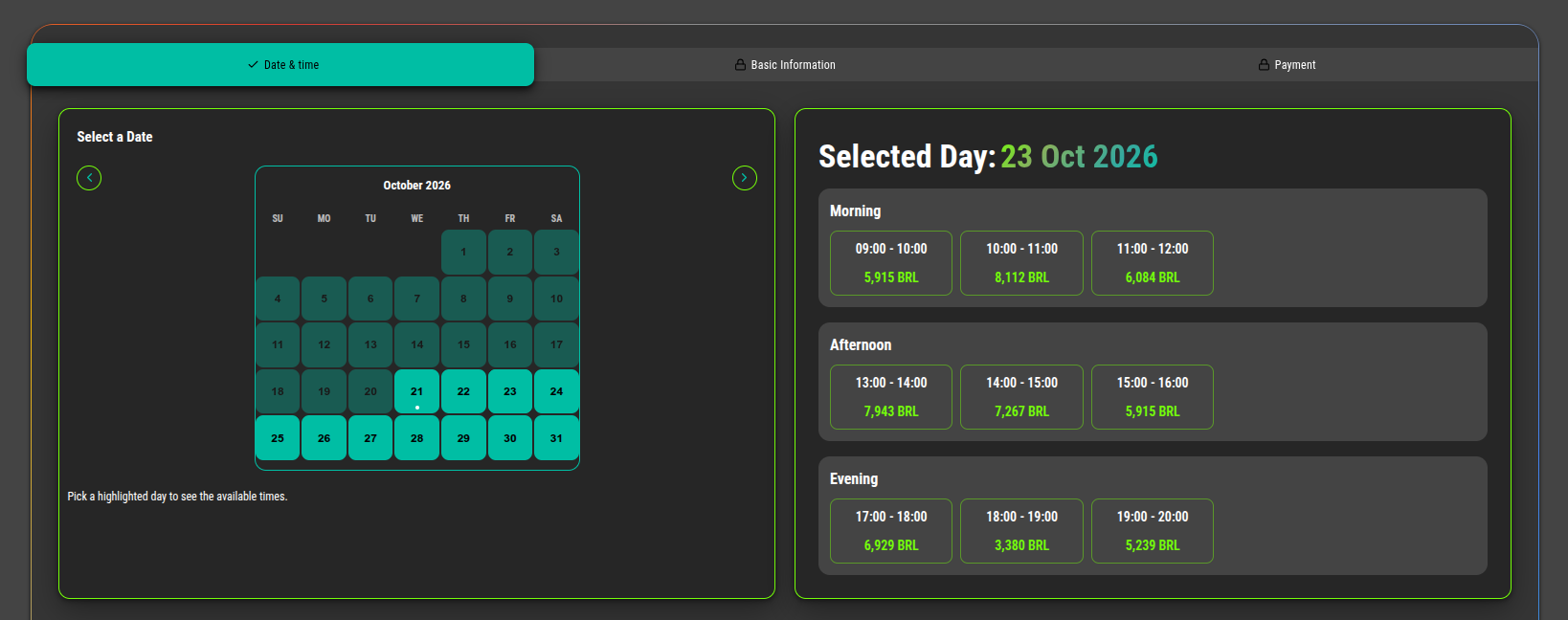
Follow the appointment from time selection into the patient and clinician views.
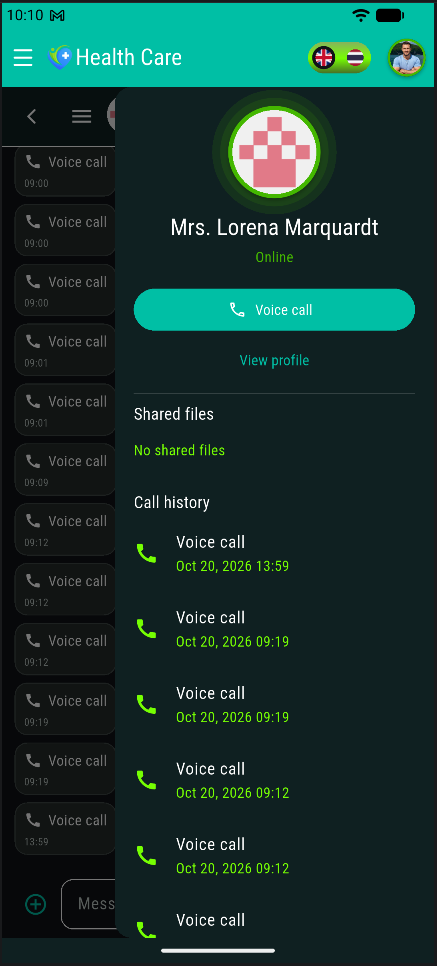
See how patients and clinicians use private messages and voice calls within their workspaces.
Request a private walkthrough
See the current Health-Care platform using sample data. We can follow a booking through the patient, clinician, and clinic operations panels, then focus on the workflows most relevant to you.
Doctor search
0%
Appointment booking
0%
Admin user access
0%
Financial workflows
0%